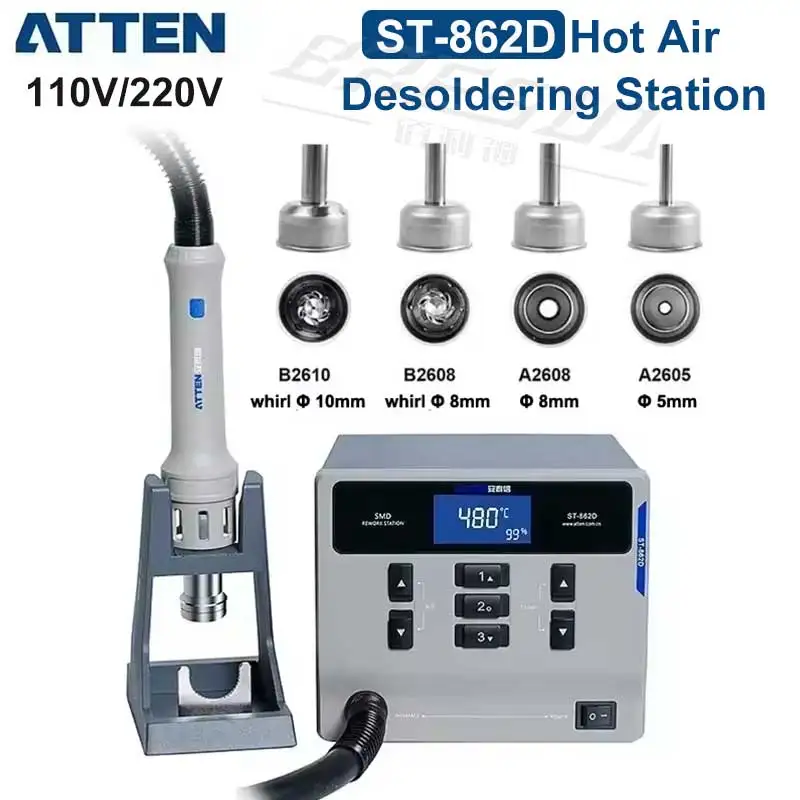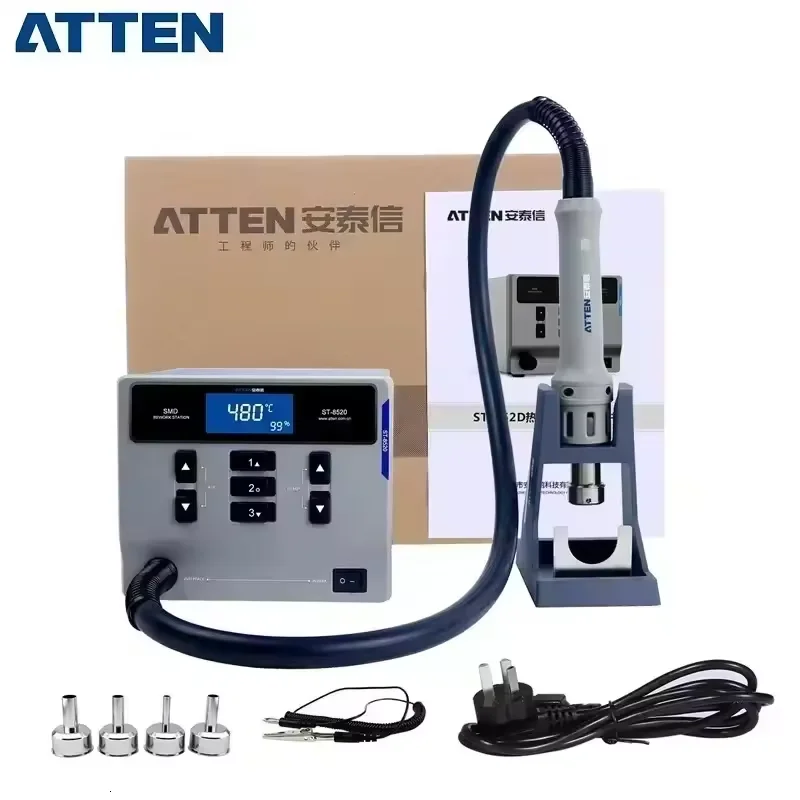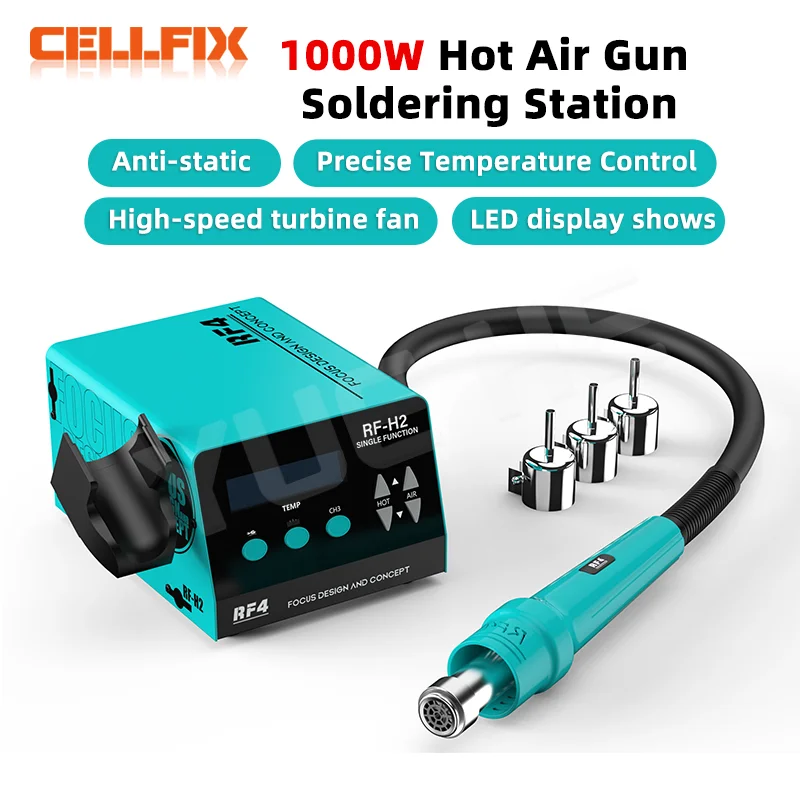
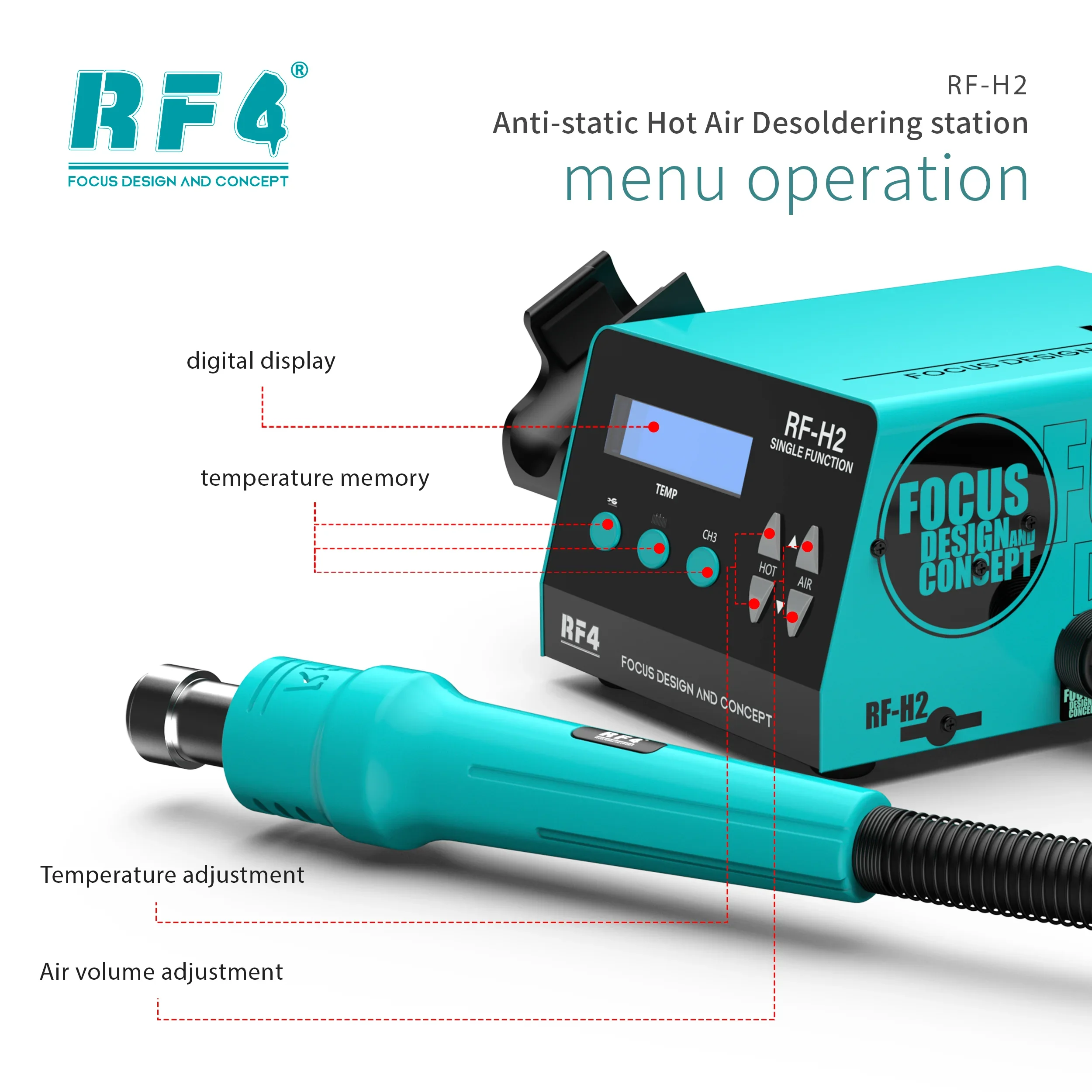
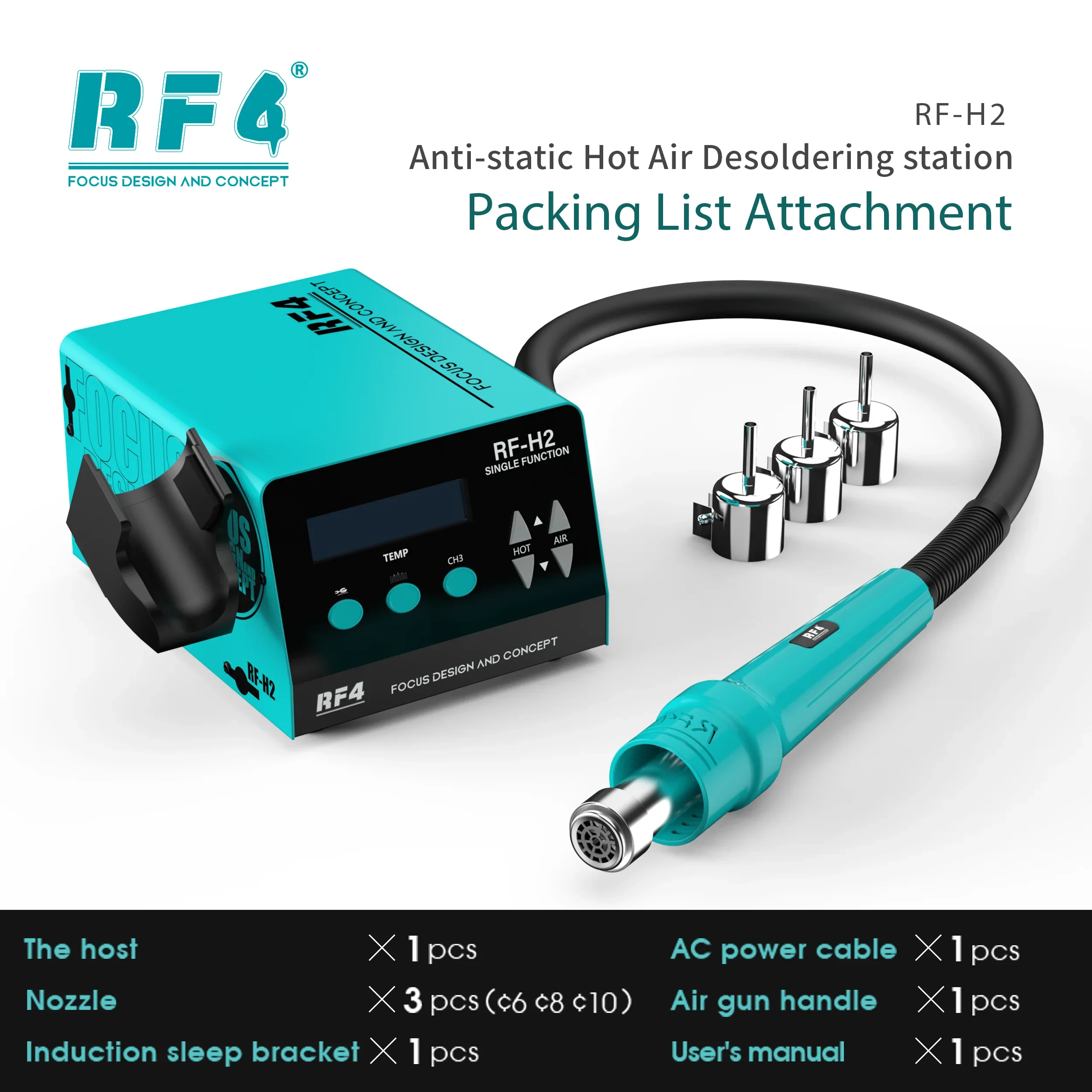
RF4 New1000W Fast Desoldering Hot Air Gun Soldering Station Digital Display Intelligent BGA Rework Station To PCB Chip Repair H2
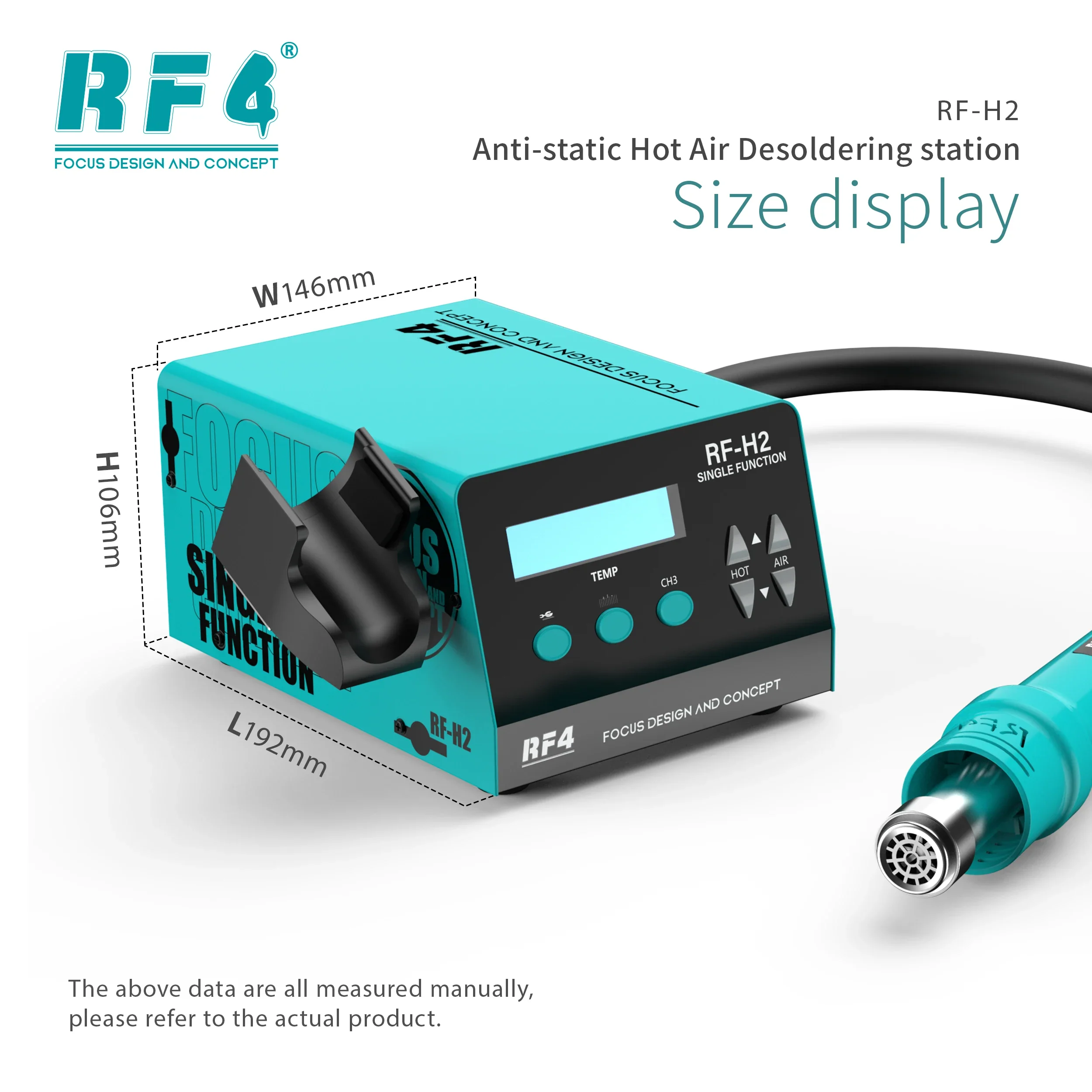
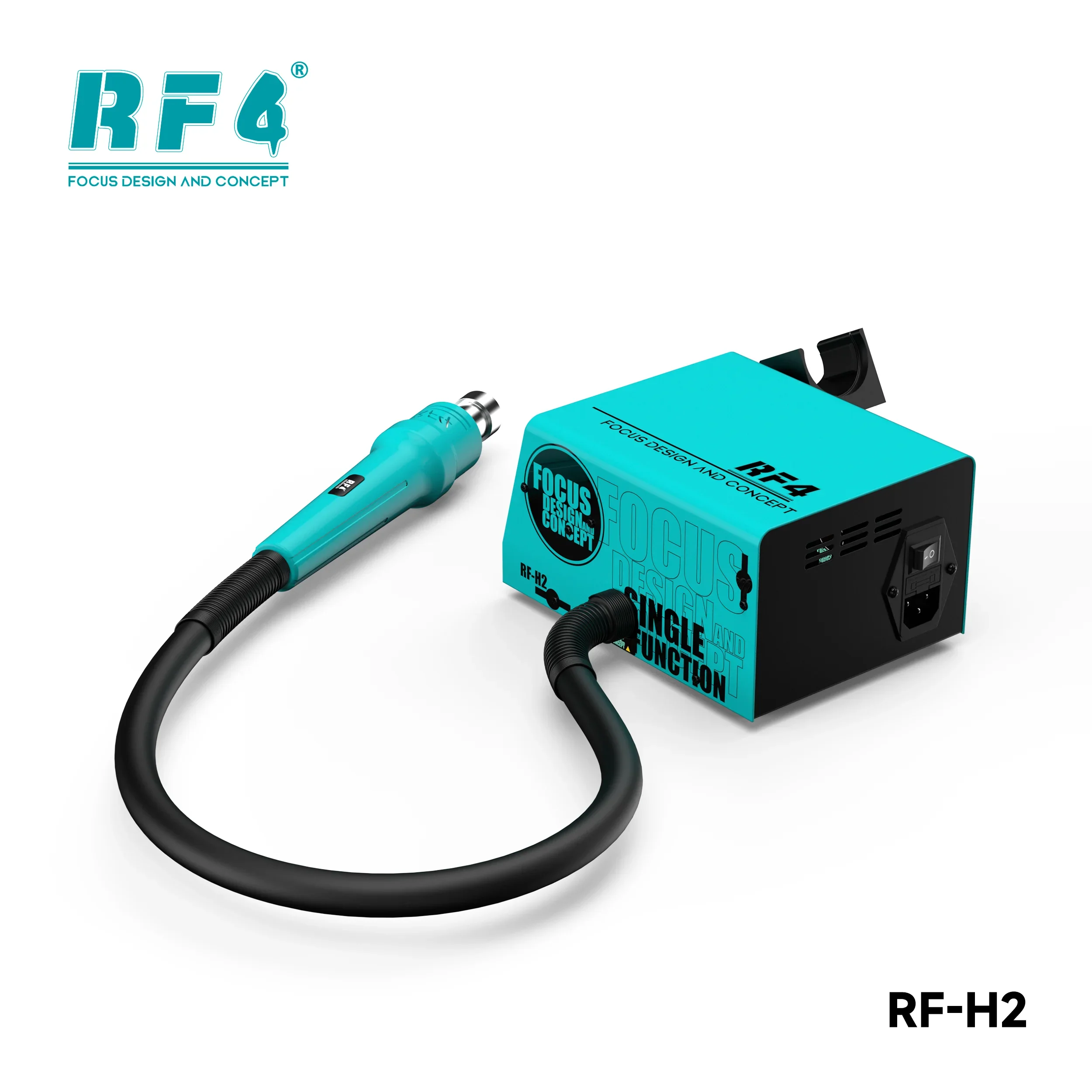
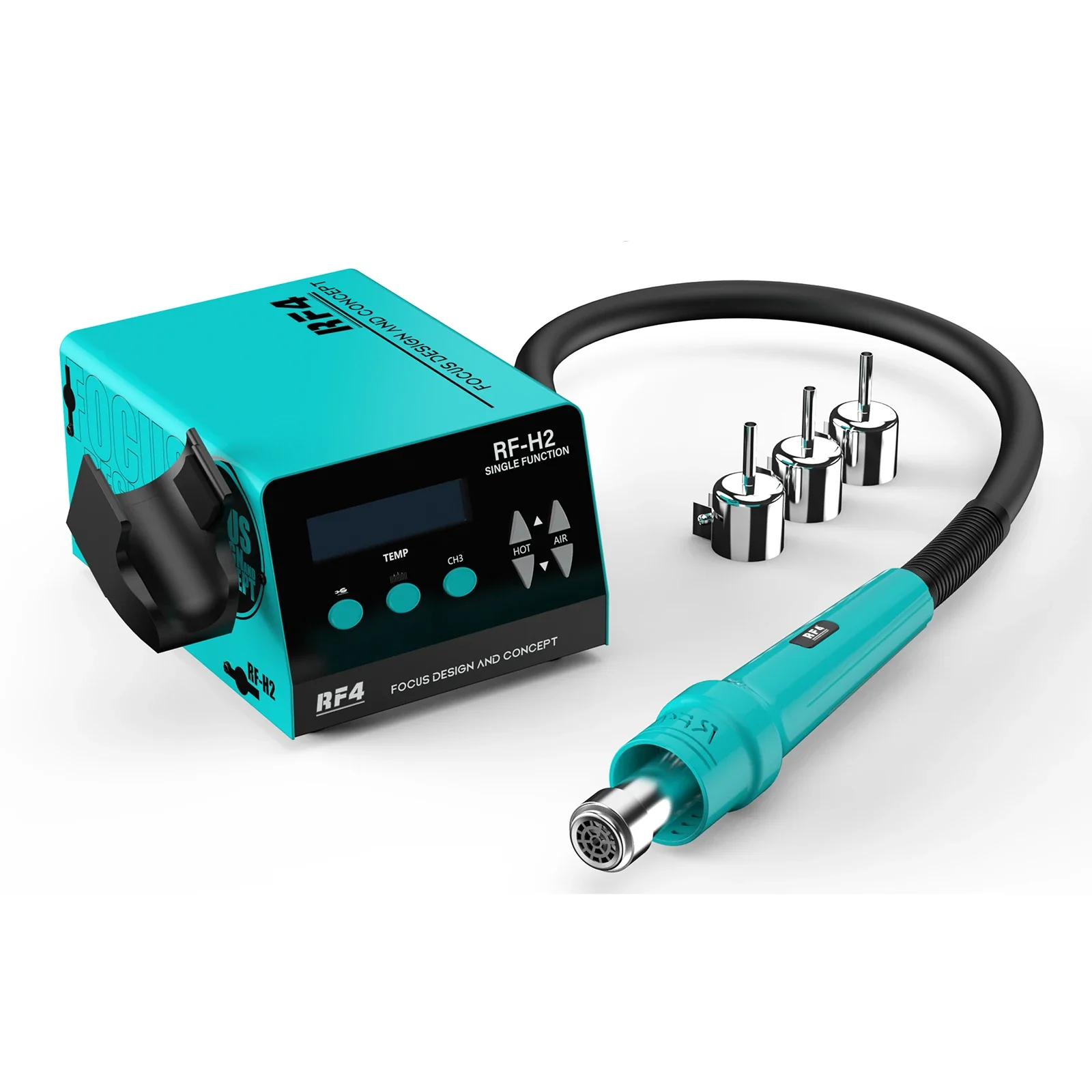
RF4 1000W Fast Desoldering Hot Air Gun Soldering Station Digital Display Intelligent BGA Rework Station To PCB Chip Repair RF-H2
This is the user manual. Please follow the instructions in the manual to install the video.


Select Color
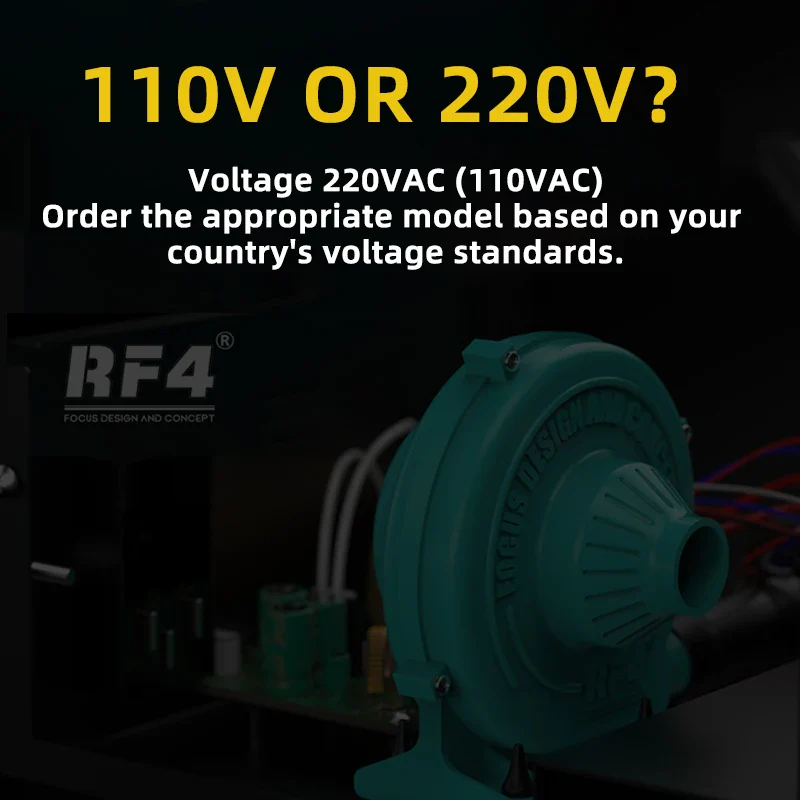
Select Voltage
From $33.50
Original: $111.67
-70%RF4 New1000W Fast Desoldering Hot Air Gun Soldering Station Digital Display Intelligent BGA Rework Station To PCB Chip Repair H2—
$111.67
$33.50Product Information
Product Information
Shipping & Returns
Shipping & Returns
Description
RF4 1000W Fast Desoldering Hot Air Gun Soldering Station Digital Display Intelligent BGA Rework Station To PCB Chip Repair RF-H2
This is the user manual. Please follow the instructions in the manual to install the video.